How to Handle Inappropriate Content: What to Do If Your Child Encounters It
18 September 2026
As a parent, one of the scariest thoughts is your child stumbling upon something online they're not ready to see. You know it’s out there — the internet is full of amazing resources and entertaining stuff, but it can also be a minefield of inappropriate content. Whether it’s explicit images, violence, hate speech, or just flat-out disturbing videos, one accidental tap or click can open a door you’d never want them to walk through.
So, what do you do when your child sees something they shouldn't? How can you even prepare for that moment?
Let’s talk honestly, parent to parent. This guide is here to help you navigate this tricky but important part of raising kids in the digital age, with practical steps, heartfelt advice, and a little bit of that “you’re-not-alone-in-this” reassurance we all need sometimes.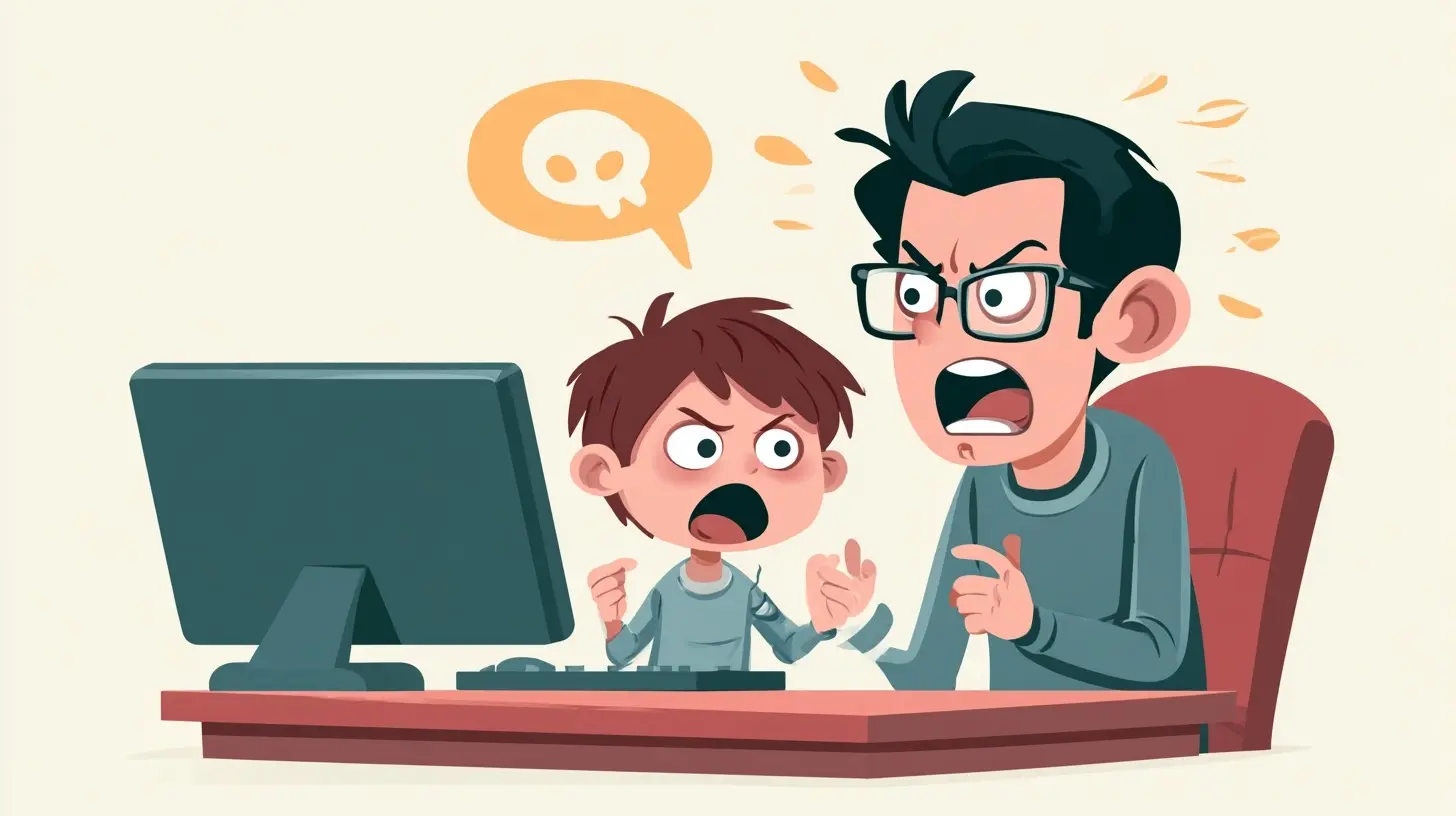
Why Inappropriate Content Is a Big Deal
First, let’s define what we’re talking about. Inappropriate content isn’t just pornography — it can be anything that’s not suitable for your child’s age. Think:- Graphic violence
- Hate speech
- Self-harm or suicide-related content
- Substance abuse
- Overly sexualized images/language
- Scary or disturbing videos (yep, even those creepy jump-scare YouTube videos)
The real problem? Most kids have access to a device — and the internet doesn't come with a filter by default. Even if you’ve installed parental controls, there are still ways things can sneak through.
How Do Kids Get Exposed to Inappropriate Content?
You’d be surprised how easy it is. A few common ways include:- YouTube or TikTok's algorithm: One video auto-plays into the next... and then BAM — something unsettling or adult-themed.
- Ads in games or apps: Not all ads are kid-friendly, even in apps labeled “Safe for Kids.”
- Search engine mishaps: Kids type in innocent words but end up with very different results (we’ve all heard a few of those horror stories).
- Friends sharing content: Whether through messages or showing something on their own devices, peer-to-peer sharing is a big one.
- Curiosity-led browsing: Kids explore. It’s natural. But curiosity plus an internet connection? That’s a potent mix.
First Things First: Stay Calm
Let’s say your child comes to you and says they saw something upsetting. Or maybe you caught a glimpse of what’s on their screen and your stomach dropped. Your first instinct might be to panic, scold, or grab the device and shut it down.Here’s the kicker — try not to.
Your reaction sets the tone for how your child will handle these situations in the future. If you freak out, they may not come to you next time. But if you stay calm, listen, and make it a safe space, you’ll earn a lot of trust points.
Take a deep breath. Ask questions. Say something like, “I’m really glad you told me. Let’s figure this out together.”
Ask the Right Questions (Without the Interrogation Lamp)
Once you’ve had a moment to breathe, it’s time to gather a few details — gently.Try asking:
- What did you see?
- How did you find it?
- How did it make you feel?
- Did anyone show it to you, or did it pop up on its own?
The goal here is understanding, not assigning blame.
Remember, kids often stumble on these things by accident. Even if they went searching, curiosity doesn’t make them “bad.” It makes them human.
Reassure, Validate, and Educate
Your child might feel scared, confused, or even guilty after seeing something they didn’t understand. Reassure them that they’re not in trouble and that you’re proud they came to you.Use this as a teaching moment:
- Explain that some images or videos are not meant for kids — not because they’re “bad,” but because they can be misleading or emotionally harmful.
- Talk about how the internet is kind of like the wild west — lots of good, but also some not-so-good.
- Let them know it’s okay to feel weird or upset about what they saw. Their feelings are valid.
This is emotional safety 101.
Age-Appropriate Conversations Matter
How you handle the situation should really depend on your child’s age and maturity.- For younger kids (around 5-9): Keep it simple. “Sometimes people put things online that aren’t meant for kids to see. If anything makes you feel yucky or scared, come talk to me.”
- Tweens (10-13): You can be more direct. “You might come across things that don’t match our family’s values or that are meant for older people. Let’s talk about how to handle that when it happens.”
- Teens (14+): Go deeper. Discuss media literacy, consent, digital footprints, and emotional impact. Ask their thoughts and genuinely listen.
No lectures. Just real talk.
Set (and Revisit) Digital Boundaries
If you haven’t already, now’s a great time to sit down and set (or reset) some digital boundaries as a family.Here are a few you might consider:
- Screen time limits
- No devices in bedrooms at night
- Sites and apps that are allowed and off-limits
- Use of parental controls or monitoring apps (but be transparent)
- Regular check-ins or co-viewing habits
Make sure they understand why these boundaries exist. Not as punishments, but as protection.
Use Technology to Your Advantage
Yes, the internet has its dark corners, but it also gives us tools to help manage them.Here are some helpful ones:
- Parental Controls: Most devices have built-in options. Use them!
- Kid-friendly browsers and apps: Consider apps like YouTube Kids, which are designed specifically for child-safe content.
- Monitoring software: Apps like Bark, Qustodio, Net Nanny can alert you to risky content or behavior.
- SafeSearch: Activate it on Google and YouTube to filter explicit results.
Technology isn’t foolproof, but it’s a good first line of defense.
Encourage Critical Thinking and Media Literacy
One of the best gifts you can give your child is the ability to think critically about what they see online.Ask questions like:
- “Why do you think someone made that video?”
- “Do you think that’s real or fake?”
- “What would you do if a friend sent you something like that?”
Teach them that not everything online is true or safe. Teach them how to click away. Teach them that it’s cool to protect your peace.
Foster Open Communication, Always
This one deserves its own spotlight. Nothing — and I mean NOTHING — beats open communication.Make it normal to talk about the internet, the shows they watch, the games they play, and the people they talk to online. Keep phones and screens in common areas when possible. Have regular “tech check-ins” where you both share what you’ve seen recently online.
The more talking becomes the norm, the less taboo these subjects feel.
Normalize Curiosity (While Guiding It)
Let’s be real — kids are naturally curious, especially about things that seem “grown-up” or forbidden. The more we shame that curiosity, the more we push them to explore in secret.Instead:
- Acknowledge that it’s normal to be curious
- Guide them toward age-appropriate answers
- Be their go-to, not Google
When they know they can ask you anything (without getting in trouble), they’ll be more likely to come to you, not whisper about it with classmates behind your back.
What If It Was Deliberate?
Okay, let’s address the elephant in the room: what if your child intentionally sought out inappropriate content?Take a deep breath (again).
This doesn’t mean you’ve failed as a parent. It means your child is curious — possibly going through something emotionally — and making choices without fully understanding the consequences.
Rather than harsh punishment, lean into open dialogue:
- Ask what led to the search
- Talk about what they saw and how it made them feel
- Use it as a jumping-off point for conversations about sexuality, emotions, consent, or whatever fits the context
Introduce consequences if needed, but focus more on education than shame.
When to Seek Professional Help
If your child seems overly affected by something they saw — maybe they’re more anxious, withdrawn, having trouble sleeping, or showing signs of trauma — it might be time to call in backup.Therapists, counselors, or online safety specialists can be incredibly helpful in these moments.
Mental health matters, and there’s no shame in getting support.
Final Thoughts: You’ve Got This
Parenting in the digital age isn’t a walk in the park. It’s like hiking uphill with foggy glasses while trying to read a map... that keeps changing. But the fact that you’re here, reading this, already proves one thing: you care.And that makes all the difference.
You're not going to catch every inappropriate video or ad. You won't be able to bubble wrap their screens. But what you can do is build a relationship where your child feels safe talking to you, no matter what. That’s your superpower.
Stay connected. Keep talking. Keep learning — together.
And remember, this isn't about control. It’s about connection, guidance, and being the steady hand that helps them navigate a messy digital world without losing their way.
all images in this post were generated using AI tools
Category:
Online SafetyAuthor:

Austin Wilcox
Discussion
rate this article
2 comments
Valerie Riggs
Thank you for addressing such an important topic. It's a challenge every parent faces, and your insights are truly helpful. Open communication and understanding our children's feelings are key. We want to guide them through these tough moments without fear. This article is a great resource for all of us.
September 25, 2026 at 4:27 PM
Austin Wilcox
Thank you for your kind words! I'm glad you found the article helpful. Open communication really is essential in navigating these conversations.
Luma McGehee
This article offers practical guidance for parents facing the challenge of inappropriate content. It's crucial to maintain open communication with children and create a safe environment for discussing their experiences and feelings about what they encounter online.
September 25, 2026 at 4:17 AM