Protecting Your Family from Scams and Phishing Attacks
1 April 2026
Let’s face it—keeping your family safe from online scams these days feels like trying to dodge raindrops in a thunderstorm while holding a metal umbrella.
We live in the age of never-ending digital trickery. From convincing emails with just enough broken English to make you suspicious, to text messages that look like they’re from your bank (spoiler: they’re totally not)—cyber scammers are getting sneakier by the second.
But here’s the good news: you don’t need to be a tech wizard to protect your family. With a little know-how, a sprinkle of street smarts, and a good ol’ cup of “Mom’s sixth sense,” you can build your own digital fortress.
So, grab your favorite beverage, settle in, and let’s chat about how to outsmart the scammers without becoming the family’s live-in IT support (although, let’s be real, you probably already are).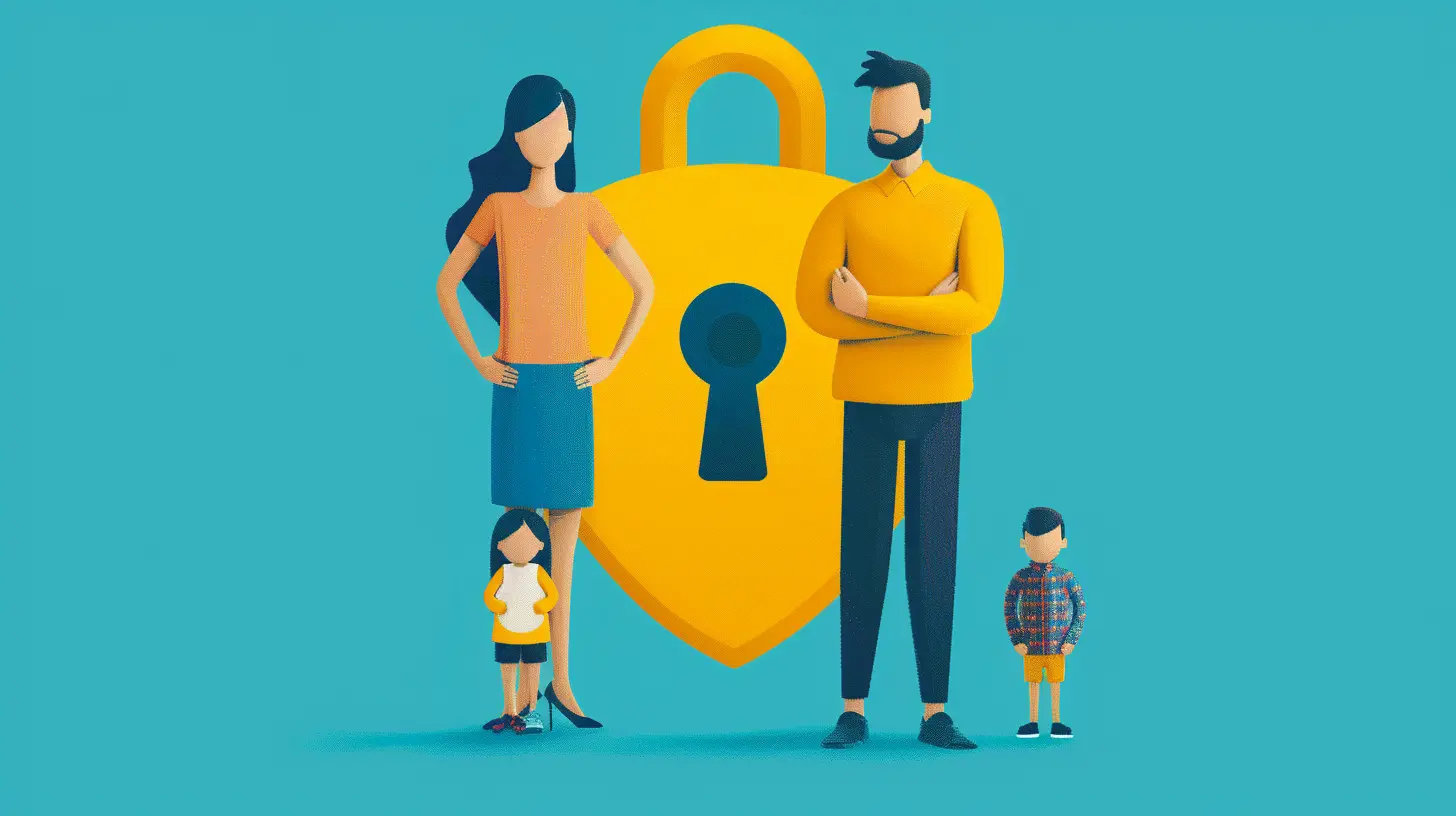
🤔 So, What Exactly ARE Scams and Phishing Attacks?
Let’s break it down—scams and phishing attacks are digital dirty tricks designed to fool you into giving up personal information, money, or access to your accounts.Think of it like a con artist dressed up as a trustworthy friend. They’ll pretend to be your bank, a tech company, even your kid’s school. Their goal? To get you to click on a sketchy link, download malware, or spill the beans on your passwords, credit card numbers, or worse—your Amazon Prime login (gasp!).
- Phishing is the act of luring someone (like a fish—get it? 🎣) into giving up sensitive information through fake emails or websites.
- Scams can take many forms, from fraudulent phone calls to fake tech support pop-ups that scream “Virus Alert!” like they’re auditioning for a horror movie.
👨👩👧👦 Why Families Are Easy Targets
Why pick on families, of all people? Because scammers love an easy win.Kids, teens, and yes—even adults—can be caught off guard when everyone's juggling a thousand things. Scammers bank on the chaos of parent life. That one late-night Amazon return, the email from the school principal, the urgent text that looks like it's from your spouse—they know when you're most distracted.
And with kids getting smartphones earlier than they lose their baby teeth, it’s no surprise they’re growing up in the wild west of cyber threats.
🚨 Common Types of Family-Targeted Scams
Let’s walk through some of the classic hits scammers love to use to mess with families:1. Fake “Your Account Has Been Locked” Emails
These emails go for the jugular. They pretend to be from Netflix, PayPal, or your bank, warning you that your account is frozen. Cue mini heart attack.What to watch for:
- Spelling mistakes
- Generic greetings like “Dear user”
- Sketchy email addresses
2. “Grandparent” Phone Scam
Your phone rings. A panicked voice says, “Grandma, I’m in trouble!” It sounds kind of like your grandson, but not quite. They ask for money ASAP—no questions asked.Spoiler alert: it’s not your grandkid.
3. Fake Contests and Giveaways
Your teen gets a DM saying they won an iPhone. All they need to do is enter their info. If it sounds too good to be true…it’s a scam.4. Tech Support Scams
A browser pop-up screams, “Your computer is infected! Call this number now!” You panic (because taxes are on that laptop), so you call the number. Boom—scam central.
🛡️ How to Protect Your Family from Scams and Phishing Attacks
Now that we know what we’re up against, let’s talk defense. We’re talking digital ninjutsu here—stealthy but effective!1. Start Talking About It
Honestly, the first step is having the talk. No, not that talk—the scam one.Make scam awareness a regular thing in your house. Share real examples (“Hey kids, this email from ‘Applle Support’ is fake—see how they spelled it?”). Even better, turn it into a family challenge: Who can spot the fake email?
This isn’t just a teaching moment. It’s empowerment.
2. Use Parental Controls and Filters
These tools are like water wings for kids wading through the internet.- Use built-in controls on devices like iPhones, Androids, and gaming consoles
- Install reputable security software with web-filtering
- Block known malicious websites
Bonus tip: Some routers come with built-in family filtering features. Consider it the digital version of locking the front door.
3. Enable Two-Factor Authentication (2FA)
This one’s a game-changer. Even if scammers get your password, they’re still locked out unless they have your second layer of verification—like a code texted to your phone.Set it up for:
- Emails
- Banking accounts
- Social media
- Gaming platforms (looking at you, Fortnite parents)
4. Teach Kids to Think Before They Click
This one's HUGE.Whether it’s a pop-up promising free Robux or a message from a “friend” asking for their login, teach your children to pause and ask:
- Do I know the sender?
- Does this look right?
- Would they usually ask me this?
Make “Think Before You Click” your family’s digital motto.
5. Keep Software and Devices Updated
Updates may seem annoying. But 9 times out of 10 they include security patches.Outdated software = unlocked front door. Keep those devices squeaky clean and patched up.
💬 Role-Playing: Scam-Spotting Family Fun!
Here’s a fun idea (yes, fun and scams in the same sentence—stay with me). Turn scam-spotting into a game.Sit around the dinner table and play “Phishing or Legit?” Show fake and real emails, texts, or alerts and have each family member judge them.
Winner gets bragging rights and an extra scoop of ice cream. 🍦
📵 Create a Family Tech Safety Plan
Just like you have a fire escape plan, you should have a tech safety plan. Nothing fancy—just a simple set of rules like:- Always ask before downloading a new app
- Don’t click on links from unknown senders
- Tell an adult if you see something weird
Post it on the fridge or set reminders with fun emojis. The goal is consistency.
🔍 What To Do If You GET Scammed
Nobody’s perfect. If someone slips up (even you, yes you!), don’t panic.Here’s your action plan:
1. Step 1: Don’t feel ashamed. Scammers are professionals.
2. Step 2: Change your passwords immediately.
3. Step 3: Report the scam to relevant platforms (banks, Google, etc.)
4. Step 4: Monitor accounts for suspicious activity.
5. Step 5: Use it as a learning moment for the whole family.
Oh, and don’t forget to run a solid antivirus scan. Even if it turns up nothing, it gives peace of mind.
🧓 What About Elderly Family Members?
Let’s not forget Grandma and Grandpa. They didn’t grow up with smartphones in their pockets, and scammers love targeting seniors.Sit down with them. Show them examples. Keep practices simple:
- Never share banking info over the phone
- Hang up on weird calls
- Don’t ever rush—scammers rely on panic
A little education goes a long way—and so does installing a strong spam filter.
☕ Final Word of Advice
The online world can be a bit of a mess, but with some basic know-how and a united front, your family can cruise the internet with confidence.So next time you get that sketchy text saying “Your package is being held—click here,” you’ll smile, sip your coffee, and hit delete with dramatic flair.
Stay smart, stay skeptical, and remember: when in doubt, talk it out. Because at the end of the day, communication is your most powerful antivirus.
all images in this post were generated using AI tools
Category:
Online SafetyAuthor:

Austin Wilcox
Discussion
rate this article
2 comments
Savannah Kirk
Educate your family about common scams and phishing tactics. Encourage open communication, ensuring everyone feels comfortable reporting suspicious messages. Regularly review privacy settings on devices and remind kids that sharing personal information online can lead to potential threats. Stay vigilant together!
April 4, 2026 at 4:16 AM
Austin Wilcox
Great advice! Keeping lines of communication open and regularly updating privacy settings can make a big difference. Thanks for sharing!
Tamsin Alvarez
This article provides essential strategies for safeguarding your family against scams and phishing attacks. It emphasizes the importance of education, vigilance, and open communication, empowering parents to create a secure digital environment for their children. A must-read for every family!
April 3, 2026 at 4:56 PM
Austin Wilcox
Thanks for your feedback! I'm glad you found the strategies helpful for keeping families safe online.