How to Create a Safe Online Space for Your Child
4 June 2026
Let’s face it—raising kids today is like navigating a digital jungle. The internet is overflowing with both treasure and traps. There’s endless learning potential, but also a good dose of weird, wild, and downright unsafe content. As parents, we don’t want to wrap our kids in bubble wrap, but we do want to give them the tools (and boundaries) to explore safely. That’s where creating a safe online space for your child comes in.
In this guide, we’ll talk about how you can protect your child online without completely cutting them off from the digital world. We’ll walk through real-life steps and smart habits that can make all the difference. Ready to dive in?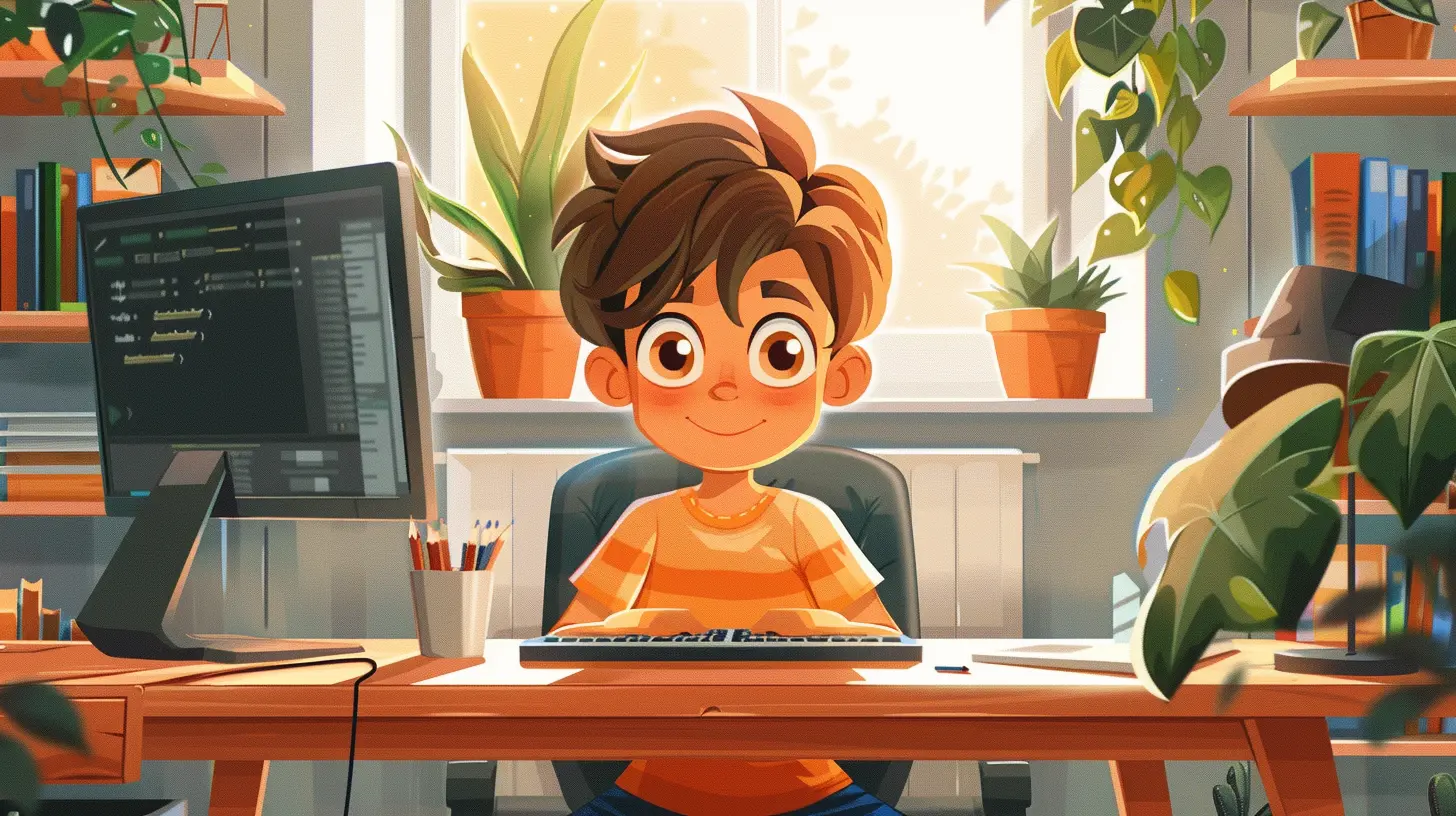
Why Online Safety Matters More Than Ever
Think back to when we were kids—our “screens” were mostly TV sets and landlines. Fast forward to today, and our children are navigating smartphones, tablets, and smart TVs before they even lose their baby teeth.Now more than ever, children are vulnerable to:
- Inappropriate content
- Cyberbullying
- Online predators
- Identity theft
- Screen addiction
Scary, right? But here’s the good news—you’re not powerless. With some proactive strategies, you can help your children enjoy the best of technology without falling into its traps.
1. Start with Open and Honest Conversations
Let’s be real—you can't just install an app and expect it to parent for you. The first step to creating a safe online space starts with good old-fashioned communication.Talk to your kids about:
- What they’re doing online
- Who they’re talking to
- What they’re watching or playing
- What to do if something makes them uncomfortable
Make sure they know they can come to you without fear of getting in trouble. If your child thinks you'll freak out when something weird happens online, they might stay silent—and that’s the last thing you want.
Tip: Use analogies they understand. For example, say, “Would you talk to a stranger on the street? Then don’t do it on the internet either.”
2. Set Age-Appropriate Boundaries
Not all kids are ready for the same level of freedom. A 6-year-old and a 16-year-old obviously need different rules, right?Here’s a quick cheat sheet for age-appropriate boundaries:
Ages 3–7:
- Use apps specifically designed for young children.- Always supervise screen time.
- Limit screen time to about an hour per day.
Ages 8–12:
- Introduce educational and approved entertainment content.- Begin conversations about online manners and digital footprints.
- Use parental controls to filter content and set time limits.
Ages 13+:
- Encourage independence—but with check-ins.- Discuss privacy settings, cyberbullying, and social media usage.
- Monitor screen time but also respect their growing need for privacy.
Remember, it’s not about controlling—it’s about guiding.
3. Use Parental Controls to Your Advantage
Parental control tools are parenting goldmines when used wisely. They can help you filter content, block harmful websites, limit screen time, and even track activity.Here are some tools to consider:
- Built-in device controls (like Apple Screen Time or Google Family Link)
- Router-level controls (filter the Wi-Fi at its source)
- Third-party apps like Qustodio, Bark, or Net Nanny
But here’s the kicker: don’t overdo it. If your child feels they’re being “spied on,” it can break trust. Transparency is key—tell them why these controls exist and how they help keep everyone safe.
4. Create Tech-Free Zones and Times
We’re all guilty of screen sprawl. Phones at the dinner table, tablets in bed—it’s so easy to let the digital seep into every part of life. But creating tech-free zones is vital.Consider setting boundaries like:
- No screens at the dinner table
- No devices in bedrooms after a certain time
- Family tech-free nights (board games, anyone?)
Not only do these zones promote better sleep and more family time, but they also signal to your child that screen time isn’t free-for-all—it’s a privilege with boundaries.
5. Teach Digital Citizenship
Digital citizenship might sound like a buzzword, but it’s honestly one of the best gifts you can give your child. Think of it as the online version of teaching them how to cross the street safely.Teach your kids:
- To treat others with respect online
- To think before they click or share
- To protect personal information like their full name, address, or school
- To recognize red flags (like people asking inappropriate questions)
The golden rule works online, too: “If you wouldn't say it in person, don’t post it.”
6. Stay Educated and Involved
We can’t protect our kids from things we don’t understand. The digital world moves fast, and it’s easy to get left behind. But staying informed helps you guide your children better.Here’s how:
- Subscribe to parenting tech blogs or newsletters
- Join forums or Facebook groups for digital parenting
- Test out the platforms your child uses (yes, even TikTok)
You don’t have to be a tech expert, but being in the know makes you a stronger digital role model.
7. Model Good Online Behavior Yourself
You know that saying, “Kids don’t do what you say—they do what you do”? It applies double in the digital world.Ask yourself:
- Are you glued to your phone at family meals?
- Do you take endless selfies or scroll through social media all night?
- Do you overshare online?
Your child is watching, even when you don’t think they are. Show them balance, kindness, and responsibility in your own digital habits.
8. Encourage Safe Social Media Practices
Social media can be a minefield. It's fun, sure—but it also poses risks. If your child is using platforms like Instagram, Snapchat, or TikTok, they need a crash course in digital street smarts.Some social media safety basics:
- Keep accounts private
- Only accept friend requests from people they actually know
- Avoid sharing real-time locations or personal information
- Screenshot before deleting—remind them that nothing online is ever truly gone
And one more thing? Talk about social media's influence on self-image. Kids can quickly fall into the comparison trap. Help them understand that what they see online is often curated and far from reality.
9. Encourage Open Feedback and Adjust as They Grow
Your child’s needs will change as they grow, and so should your strategies. What worked when they were 8 won’t fly at 14.Keep the conversation going with questions like:
- “How are you feeling about your time online?”
- “Is there anything online that’s been bothering you?”
- “Is there anything you wish you could change about your internet use?”
When your child feels like they have a say, they’re more likely to cooperate. Think of yourselves as teammates—not rivals—in the online safety game.
10. Know What to Do When Things Go Wrong
Even with the best safeguards, things can go sideways. Maybe your child stumbles onto inappropriate content, or maybe they’re being bullied online.Here’s your action plan:
1. Stay calm. Freaking out will only make your child clam up.
2. Gather information—what happened, who was involved, and when.
3. Document everything if it’s serious (like cyberbullying).
4. Report and block users or content if needed.
5. Reach out for help—from schools, counselors, or even law enforcement, depending on the situation.
Remind your child that everyone makes mistakes. What matters most is how you respond.
Final Thoughts: It's About Empowerment, Not Control
Creating a safe online space for your child is about more than rules and filters. It’s about building trust, encouraging smart habits, and showing up—consistently, compassionately, and confidently.Think of it like teaching your kid to ride a bike. At first, you run alongside them, holding them steady. But eventually, you let go, knowing you’ve given them the tools to ride safely on their own.
The digital world isn’t going anywhere. And frankly? That’s not a bad thing. When we teach our children to navigate it wisely, we’re not just keeping them safe—we’re preparing them to thrive.
all images in this post were generated using AI tools
Category:
Online SafetyAuthor:

Austin Wilcox
Discussion
rate this article
2 comments
Nicole McCray
Creating a safe online environment for your child is so important. This guide offers practical tips that every parent can use. Happy reading!
September 2, 2026 at 4:54 PM
Austin Wilcox
Thanks for your feedback! I'm glad you found the guide helpful. Happy reading!
Brigitte McGovern
Creating a safe online space involves open communication and trust. Encourage your child to share their experiences and set clear boundaries. Together, you can navigate the digital world confidently and securely.
June 4, 2026 at 4:51 AM
Austin Wilcox
Absolutely! Open dialogue and trust are key. Setting boundaries helps kids feel safe and empowered online.