Cybersecurity Basics Every Parent Should Teach Their Child
23 July 2026
Let’s face it—our kids are growing up in a time when they’re more comfortable swiping a screen than flipping a book. From toddlers watching YouTube to teens gaming online or chatting with friends on apps, digital life is their new playground. And while that tech-savviness is pretty cool, it also opens the door to some serious online dangers.
As parents, we spend so much time teaching our children to look both ways before crossing the street. But are we doing the same when it comes to their digital safety?
If you’ve been wondering where to even begin with teaching your child about online security, you’re not alone. The good news? You don’t have to be a tech genius to raise a cyber-smart kid.
Let’s break down the cybersecurity basics every parent should teach their child—step by step, in plain English.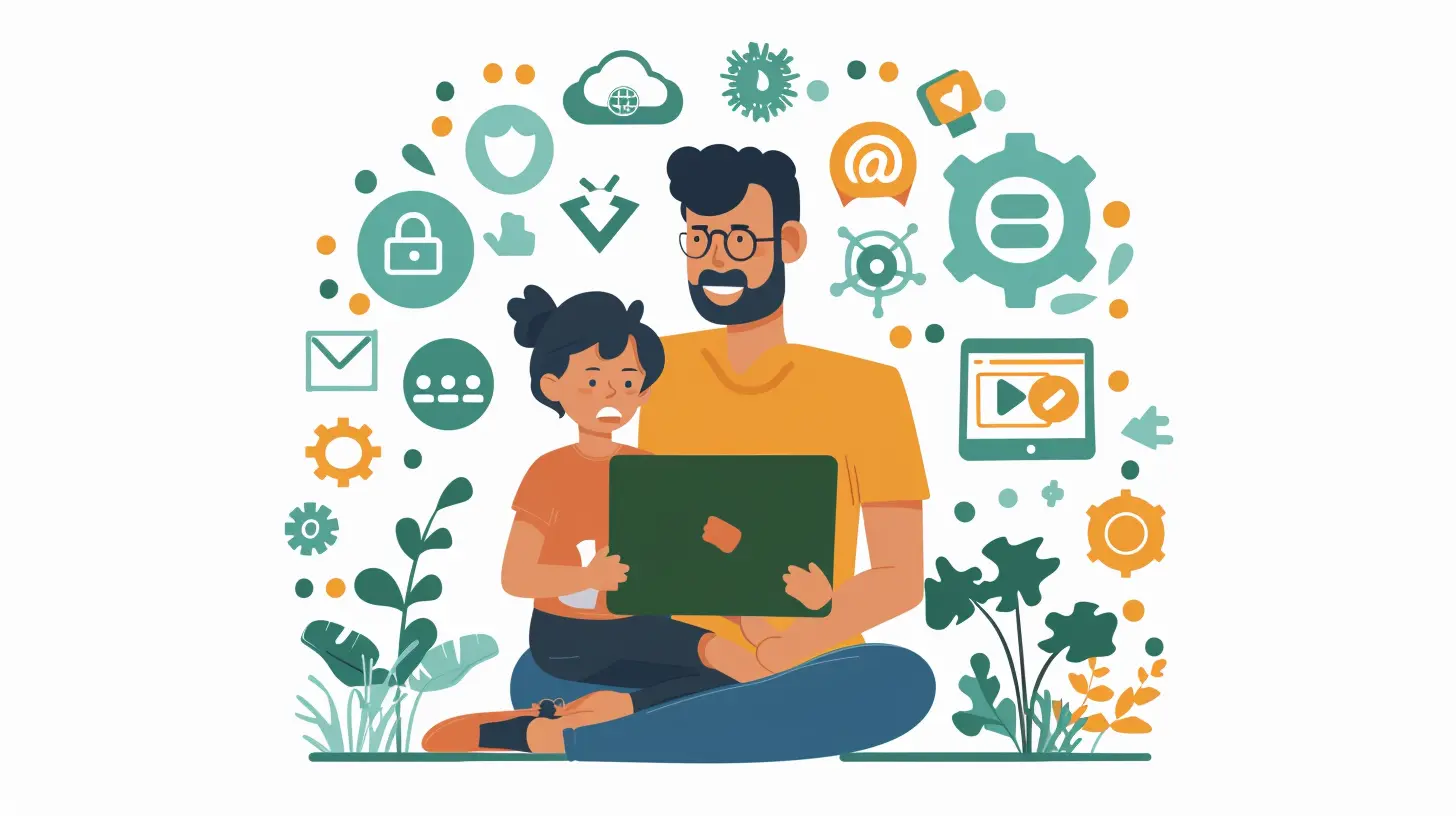
Why Cybersecurity Matters for Kids
Some parents assume cybersecurity is only an adult issue. Bills, passwords, hackers—sounds like grown-up stuff, right? But that couldn’t be further from the truth.Kids are prime targets for cybercriminals. Why? Because they’re often unaware of the risks, they can be easily tricked, and their clean credit histories are like gold mines for identity thieves.
Still not convinced? Here are a few real-life dangers kids face online:
- Phishing scams disguised as games or friend requests
- Inappropriate content found on social media or YouTube
- Cyberbullying that can lead to emotional issues
- Data theft through unsecured online games or apps
- Online predators pretending to be peers
The bottom line: being online is no longer optional—it’s a lifestyle. And with that lifestyle comes responsibility.
Start with Open Conversations
Before diving into the technical stuff, have a heart-to-heart with your child. Teaching cybersecurity is not a one-time sit-down—it’s an ongoing conversation.Here’s how to get started:
- Ask questions instead of lecturing:
- “What apps do you use the most?”
- “Has anyone you don’t know ever messaged you?”
- Treat online safety like real-world safety:
Just like you wouldn’t let them talk to strangers on the street, they shouldn’t be doing it online either.
- Keep your tone friendly, not fearful:
We want to empower our kids, not scare them off the internet completely.
Remember, if your child feels safe talking to you, they’ll be more likely to come to you when something goes wrong online.
Teach Them to Create Strong Passwords
Let’s be real—kids aren't great at creating passwords. Left to their own devices, you'll get gems like “123456” or “ilovecats.” Cute, but wildly insecure.Teach them these password basics:
- Make it long and unique
A good password should be at least 12 characters and not easily guessable.
- Combine letters, numbers, and symbols
Encourage creativity! “PuppyLover123!” is better than “password.”
- Never reuse passwords
One account hacked = all accounts hacked if they’re using the same password.
- Use a password manager
For older kids and teens, introduce them to tools like LastPass or Bitwarden to store complex passwords safely.
Make password power a badge of honor—the more unique, the more powerful.
Help Them Spot Phishing Scams
Phishing is kind of like online catfishing… but instead of heartbreak, it leads to hacked accounts or stolen info.Here’s how to teach your kids to recognize sketchy stuff:
- Look at the language:
Messages that sound overly urgent ("Click now or your account will be deleted!") are red flags.
- Check the sender:
A random email from “[email protected]”? Total scam.
- Don’t click random links:
If it smells fishy, it probably is. Tell them to ask you first.
Create a rule: when in doubt, screenshot it and bring it to you.
Encourage Safe Social Media Habits
Social media is where kids connect, share, and sometimes overshare. Teaching healthy habits here is key.Here are a few ground rules:
- Privacy settings are a must:
Show them how to make their profiles private. Only real friends should have access.
- Think before you post:
Explain the “digital footprint” concept—if they wouldn’t say it to someone’s face or want it shown to grandma, it probably shouldn’t go online.
- Don’t reveal personal info:
No full names, home addresses, schools, or phone numbers in bios or posts.
Also, keep an eye on which platforms they’re using. Some apps have messaging features even you might not know about.
Talk About Online Stranger Danger
Just like in real life, not everyone your child meets online has good intentions. And kids can be incredibly trusting—especially if someone seems nice.Teach them:
- Never accept friend requests from strangers
- Be skeptical of people asking personal questions
- Never meet someone from the internet alone, or without telling a trusted adult
Even in online games, players may ask weird questions. Remind your kids: if someone talks to you in a way that feels odd, say something.
The rule? No secrets online. You're not spying on them—you’re teaming up for safety.
Teach Device Hygiene
Cybersecurity isn’t just about behavior—it’s also technical. Teach your child how to be a good digital housekeeper:- Keep software updated
Explain that updates often fix security holes—even if they're annoying.
- Use antivirus software
Yes, even on phones and tablets.
- Avoid sketchy downloads
That “free Robux generator” is just a virus in disguise.
- Turn off Bluetooth and location when not needed
This reduces tracking and data leakage.
You can even make a “Device Wash Day” once a month—clean screens, update apps, and go over privacy settings together.
Set Boundaries (Without Being Overbearing)
Kids need freedom, but not a free-for-all. Here's how to strike a balance:- Set screen time limits using parental controls
- Install child-safe browsers or filters for younger kids
- Use monitoring apps (transparently!) like Bark or Qustodio
- Create tech-free zones (e.g., dinner table, bedrooms after 9 PM)
Important: let your child know you're not trying to control them—you’re trying to protect them. Frame it as teamwork, not surveillance.
Watch Out for Cyberbullying
Unfortunately, bullying doesn’t stop at the school gates anymore—it follows kids home through screens.Talk to your kids about:
- What cyberbullying looks like
Nasty comments, exclusion, rumors spread online—it all counts.
- How to respond
Never retaliate. Save the evidence. Block and report.
- How to ask for help
Let them know they’re not alone, and it’s always okay to talk to a trusted adult.
Remind them: kind people are cool. If you wouldn’t like it done to you, don’t do it to others.
Encourage Critical Thinking
One of the best cybersecurity skills? A sharp mind. Teach your kids to think twice before believing everything they see online.Tips for critical thinking online:
- Fact-check news or rumors
“Is that really true—or just clickbait?”
- Stop and think before engaging
Not every online debate is worth jumping into.
- Ask questions
Who posted this? Why? What’s their goal?
Encouraging curiosity helps build both safer and smarter digital users.
Be a Role Model
Kids are always watching—and not just your face, but your thumbs too. If you’re glued to your device, oversharing on social media, or using weak passwords, they’ll follow suit.Be the example:
- Use strong passwords yourself
- Pause before sharing details online
- Have boundaries with screen time
- Talk openly about your own online mistakes (yes, even the embarrassing ones!)
Your habits set the tone for theirs.
Final Thoughts
Technology isn’t going anywhere. And honestly, it shouldn't. It’s amazing. Our kids can learn languages, connect with people across the globe, and explore endless creativity—all from their living room.But like giving them the keys to a car, we need to teach them how to drive safely first.
Cybersecurity basics aren’t about fear or control. They're about building digital confidence. The more your child knows, the safer and smarter they’ll be online.
So take a deep breath, grab your kid, and start that chat tonight. Your future cyber-ninja will thank you.
all images in this post were generated using AI tools
Category:
Online SafetyAuthor:

Austin Wilcox
Discussion
rate this article
1 comments
Soryn Morrow
This article provides essential insights for parents. Teaching kids about cybersecurity can empower them to navigate the digital world safely.
July 26, 2026 at 3:59 PM
Austin Wilcox
Thanks for your feedback! I'm glad you found the insights helpful for empowering kids in the digital world.