How to Create a Safe Online Gaming Experience for Younger Kids
20 June 2026
Let’s admit it—online gaming is a huge part of growing up today. If your kid has a screen, they probably play something—even if it’s just the classic Minecraft or some cutesy mobile puzzle game. The world has changed a lot since we were kids, and now, fun often comes with a Wi-Fi connection.
But here's the deal: online gaming isn’t all rainbows and power-ups. It can also bring some serious concerns. Unfiltered chat rooms, in-game purchases, cyberbullies, and total strangers lurking behind avatars… yeah, it’s enough to make any parent uneasy.
That’s why we’re diving deep into how to create a safe online gaming experience for younger kids—without killing the fun. Trust me, with a little effort, some ground rules, and open communication, it’s totally doable. Let’s gear up!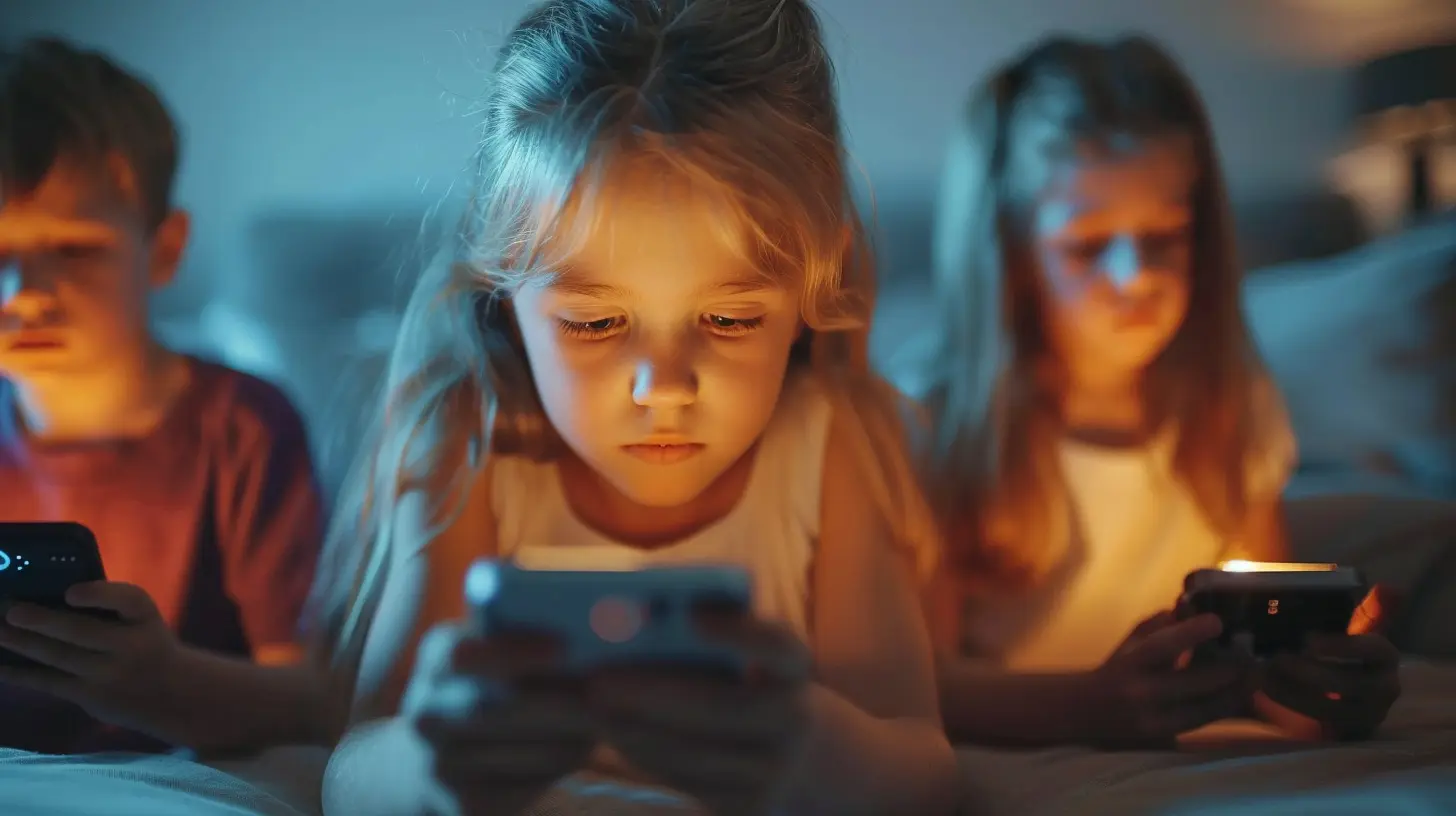
? Why Safe Online Gaming Matters for Kids
Before we get into the how, let’s talk about the why.Kids are vulnerable—they’re still figuring out the difference between right and wrong, who to trust, and how to spot tricky situations. When they’re gaming online, they’re often interacting with people they’ve never met, being exposed to content you wouldn’t exactly find in a bedtime story, and maybe even getting nudged into spending real money.
And that’s not to say gaming is bad. Far from it! It can teach teamwork, improve problem-solving, and spark creativity. But like any playground, someone’s gotta keep an eye out.
??? Stepping In Without Stepping On Their Joy
Okay, so how do we as parents create that balance? You know, the one between fun and safe? It starts with PROACTIVE parenting—not reactive.You don’t want to wait until your child hears something inappropriate or drops $200 on in-game gems. Be in the know before anything happens. Let’s walk through how.
?️ 1. Know What They’re Playing (And Who Made It)
Sounds simple, right? But when was the last time you actually looked up the game your kid plays?Start with these steps:
- Check the ESRB rating (like movies have PG, PG-13 etc.). It gives you a heads-up about the game’s content.
- Visit the game’s website—what’s their stance on chat features, privacy, and moderation?
- Read reviews from other parents. You’re not alone in this boat. See what other people are saying.
Example: Roblox has millions of games inside it. Some are totally fine, while others… not so much. So while "Roblox" might sound safe, what your child’s doing within it matters even more.
? 2. Watch First—Then Join In
No joke, the best way to understand what your child’s doing online is to play WITH them. Think of it like going to the park and swinging next to them—you get better insights when you're part of the action.Benefits?
- You’ll see how the game works firsthand.
- You can talk through situations as they come up (“What would you do if someone said something mean here?”).
- You’ll show your kid you care about their world, not just criticizing it from the sidelines.
Pro tip: Even 20–30 minutes a week of co-play can make a big difference!
? 3. Set Ground Rules (Without the Eye Rolls)
Nobody likes rules, especially kids. But here’s the thing—rules feel less like a punishment and more like mutual respect when you involve your child in creating them.Try this:
- Set time limits together. Maybe it’s 45 minutes after homework, or only on weekends. Let them chime in!
- Agree on what games are okay, and be open to reviewing new ones together.
- Talk about behavior expectations. Just like in real life, we don’t tolerate bullying—even behind a screen.
Make it a conversation, not a lecture. When kids are part of the process, they’re more likely to follow through.
? 4. Use Built-In Parental Controls (Seriously, They're Gold)
Most popular gaming platforms and consoles have awesome parental control settings—you just need to dig into them.Here’s a quick cheat sheet by platform:
- Xbox / PlayStation / Nintendo Switch: Set screen time, restrict purchases, limit chat features.
- iOS / Android: Use Screen Time or parental control apps to manage downloaded games and time spent.
- PC Gaming / Steam: Use Steam Family View to block access to online stores and mature games.
Don’t skip this stuff. It’s not spying—it’s supporting. Think of it as putting on a seatbelt before driving.
? 5. Teach Them Online "Street Smarts"
Remember how our parents taught us not to talk to strangers on the street? Well, now the street is digital—and the strangers are sneakier.Make sure your kids know:
- Never share personal info (name, address, school, age).
- Don’t click on random links shared in chat—these are often phishing traps.
- If someone makes them uncomfortable, tell an adult immediately.
Role-play scenarios with your child. It might feel a bit silly, but it helps them mentally prepare for real moments.
? 6. Address In-Game Purchases Before the Bill Hits
Games are no longer “buy once, play forever.” Now, they’re filled with shiny extras: skins, coins, power packs—you name it.But here’s the kicker: these add-ons often cost real money.
What to do?
- Turn off auto-purchase options.
- Use gift cards instead of linking your credit card.
- Have a family talk about wants vs. needs in digital spending. (“Do you really need purple dragon wings for $4.99?”)
Think of it like financial literacy 101—but in a way they’ll actually care about.
? 7. Keep That Communication Door Wide Open
You’ve probably heard this a million times, but when it comes to online safety, communication really is the superhero cape.Make it clear that your child can always come to you—no judgment, no punishment—if something feels off.
Ask questions like:
- “What’s your favorite part of that game?”
- “Have you ever run into anyone mean online?”
- “If someone you didn’t know wanted to be friends in a game, what would you do?”
Let them feel heard, not cross-examined. You want to stay approachable so they don’t hide scary stuff from you.
? 8. Encourage Healthy Game-Life Balance
Games are fun, and they should stay that way! But too much of anything—even something fun—can turn into a problem.Here’s how to help your child balance it all:
- Encourage offline hobbies like reading, sports, arts, or just playing outside.
- Have tech-free zones in the house (like the dinner table or bedrooms).
- Lead by example! If we’re always glued to our own screens, we send a mixed message.
Balance isn’t about banning games—it’s about making space for everything else too.
☕ Bonus Tip: Connect with Other Parents
You’re not alone, even if it sometimes feels like it. Reach out to other parents—at school events, in local groups, or even online forums.Ask:
- “What games are your kids playing?”
- “Have you tried any good parental control apps?”
- “How do you handle screen time meltdowns?”
Other parents can be your best allies and idea banks. Plus, swapping stories reminds you that you're doing your best—and that’s enough.
❤️ Wrapping It Up: It's About Trust, Not Just Rules
Creating a safe online gaming experience for younger kids isn’t about building walls around them—it’s about building a bridge between you and them.It’s about understanding their world, setting boundaries with love, and showing up consistently.
Will there be hiccups? Absolutely. But with open hearts, clear communication, and a dash of tech-savviness, you can help your child enjoy all the fun of gaming—without the dark corners.
So go ahead, grab that second controller. Learn their world. Laugh with them. You’ve got this.
all images in this post were generated using AI tools
Category:
Online SafetyAuthor:

Austin Wilcox
Discussion
rate this article
1 comments
Zevon McVicker
This article offers essential tips for parents to ensure a safe online gaming environment for younger kids. Prioritizing communication, setting boundaries, and using parental controls can help foster a positive gaming experience. Great advice!
June 28, 2026 at 4:10 AM